Social graphics that stay on brand
Set the look once, then turn out posts for every platform and size without opening a design tool.
Visit the live site (opens in a new tab)Launched
March 2026
Status
Live
Last updated October 2026 About a ten minute read
How it started
This project started inside another product. KEEP.FIT needed a social graphic every time a challenge, a workout or a plan was created - the same graphic every time, with different wording on it. Then the same post again for each channel, resized and re-laid out, because a square does not work where a portrait does. Done by hand that is half an hour for one announcement - and the plan was three or four a day. At that point it is not a chore, it is somebody's full-time job, and it is the sort of work that quietly stops getting done instead.
This is one of them: day one of a seven-day challenge, as it went out.
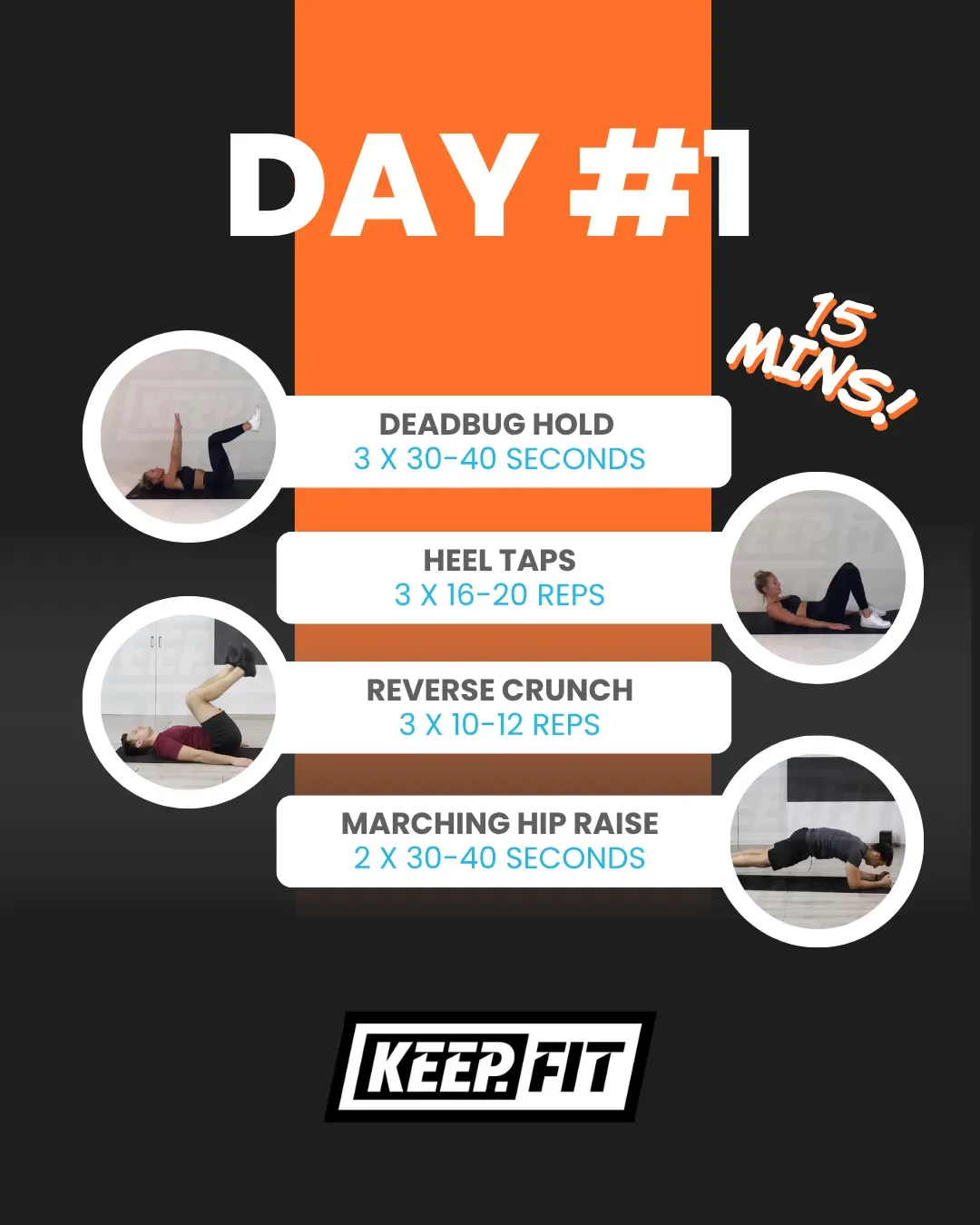
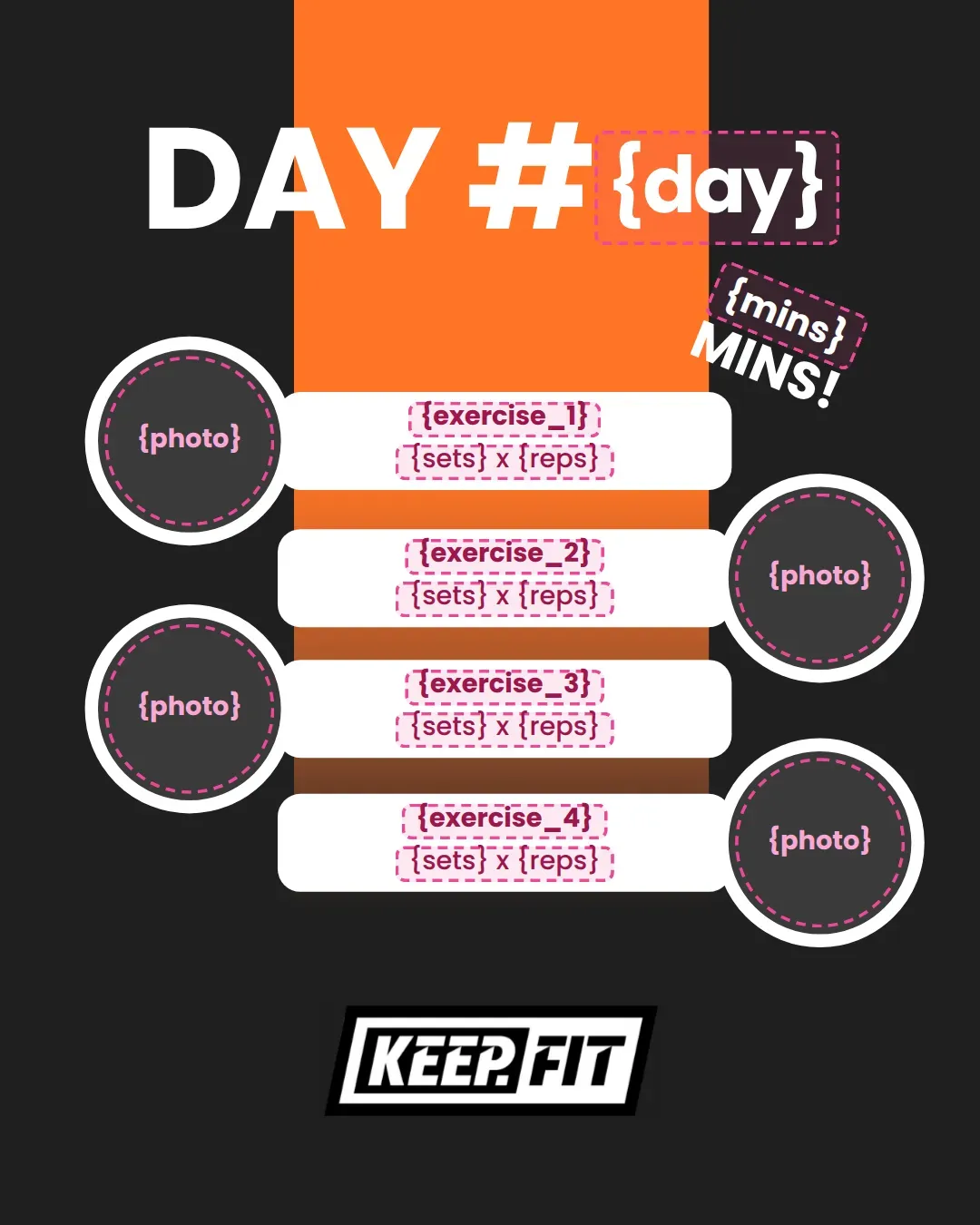
Days two to seven are the same card with different words and images. So everything that changes became a field, and everything else stayed fixed.
There are plenty of tools that make social graphics, and every one I looked at expected a person to sit in front of it. None of them would take an instruction from another system - send the title, the date and the brand, get a finished image back - without somebody opening an editor to do it. That was the whole requirement: the application that created the workout should create the graphic too, with nobody involved at all.
We looked at image generators. They are inconsistent by design - ask for the same graphic twice and you get two different pictures - and they still get text wrong. That is exactly the opposite of what a brand needs. What was needed here was a graphic that is identical every time except for the words.
- Every post has to look like it came from the same business.
- Nobody has half an hour a day to lay one out.
So I built it out of necessity, for the fitness product first. It became clear fairly quickly that nothing about it was specific to fitness - an estate agent announcing a listing and a recruiter posting a vacancy have exactly the same problem - so it came out as a product of its own: RepeatPosts.
Some early questions
Before any of it was built, a handful of questions shaped everything that followed.
Why would anyone use this instead of an image editor?
Two reasons, and they are the only two that matter. A template here is not a picture, it is a set of layers with holes in it - background, logo, shapes, headline, image - so the design is fixed and only the words and the picture change. That is what keeps fifty posts looking like they came from the same business. And there is an API, so for anything repetitive nobody opens the editor at all: the system that creates the thing creates the post about it.
Where does enough variety come from?
No library is ever going to hold the exact layout somebody has in mind, and asking every user to design from scratch defeats the point of the product. So both: a library to start from, and an editor to build your own. Either way the result is a template with dynamic content in it, which is what the generator and the API work with.
How does it stay on brand without anyone checking?
Two parts to it. Every account sets up a brand kit first - logo, colours, fonts - which is done once and then left alone. The templates then read from it: the colours and the logo in any template are swapped for that account's own behind the scenes, so the same template produces a different business's graphic without anyone adjusting anything. The person making the post chooses the words; the brand has already been decided.
What is it actually worth to a customer?
Time, and nothing else. Half an hour of somebody laying out a post becomes a couple of minutes, or none at all where the API is doing it - and a business posting a few times a day gets most of a working day back each week. That is what the pricing is built on: a subscription with a monthly allowance of images, because generating one costs real compute, so an unlimited plan would only be a promise to lose money on the heaviest users.
Working out what it had to do
The test for the first version was whether a business with no designer could set itself up and have usable posts the same afternoon. Everything that did not serve that waited.
Must
No product without these
- A brand kit set up once: logos, colours, gradients and fonts
- A template library organised by industry, not by shape
- Fill in a few typed fields and generate
- Every output in all five sizes, from square to story
Should
Wanted, and made the first version
- An editor, for anyone who wants their own template
- Teams, roles and a history of everything generated
- Bulk generation from a spreadsheet
Could, and still may
Not built yet, and here is why
Posting to social media for you
Generating the graphic is the hard part and the bit nobody else would do. Scheduling is a crowded market, and keeping up with every platform is a maintenance job that never ends.
Describe the post, and let it pick the template
The answer to the interface problem further down - say what you want to post and get the posts, with no library to browse - but it only works once there is a library big enough to choose from.
None of these are off the table - and if there is something you think it should do, tell me.
One template, any brand, every size
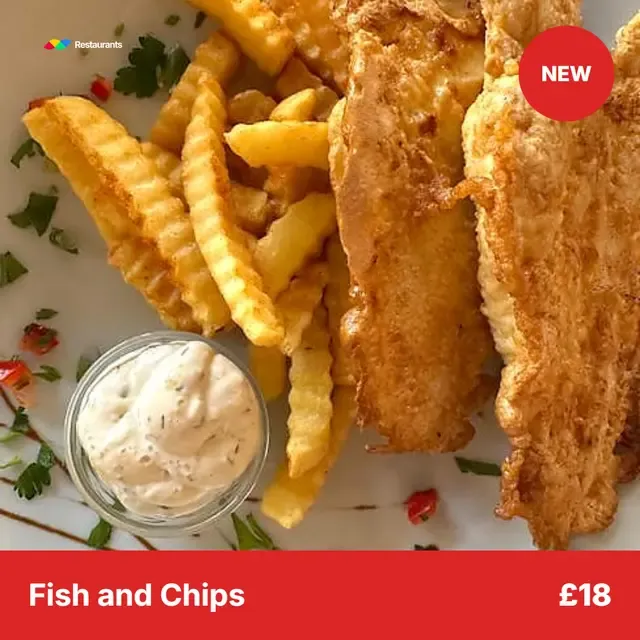
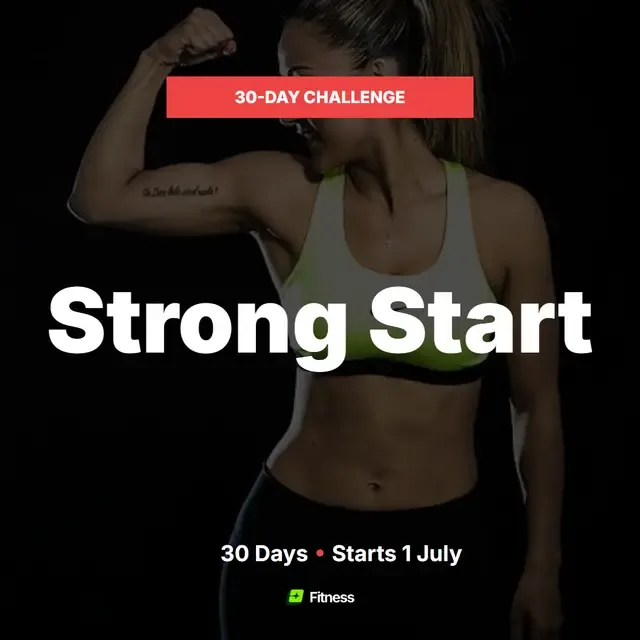
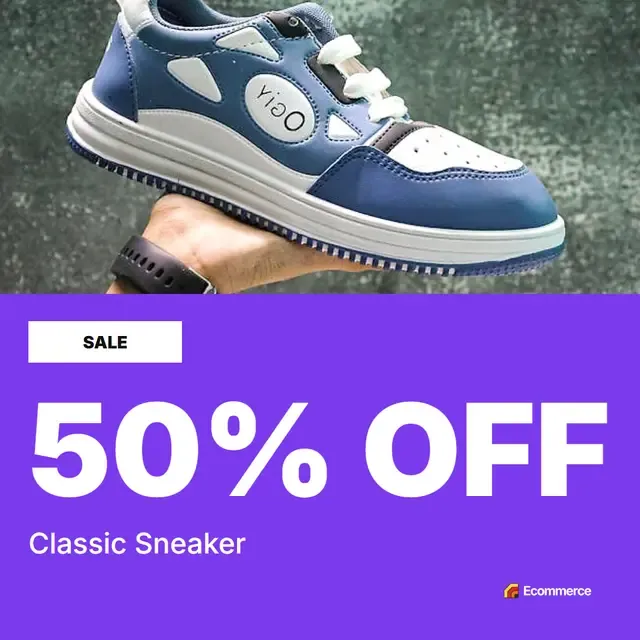
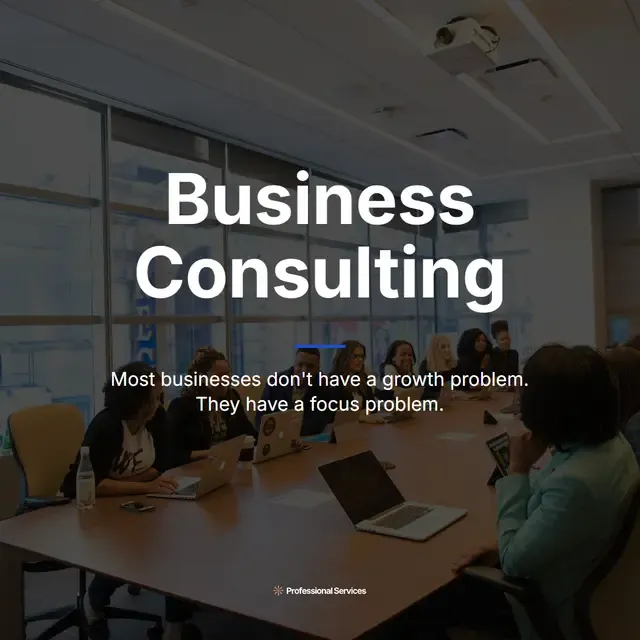
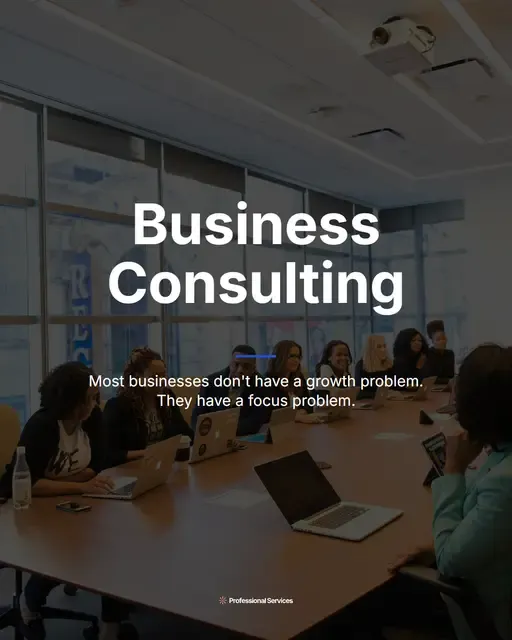
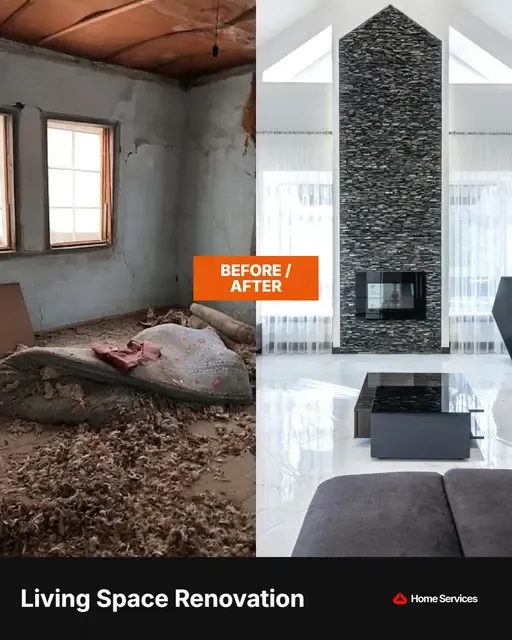
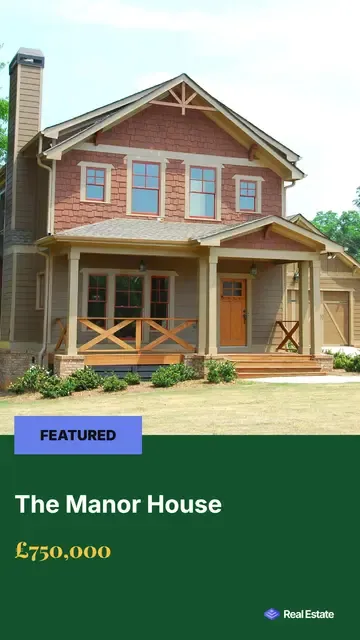
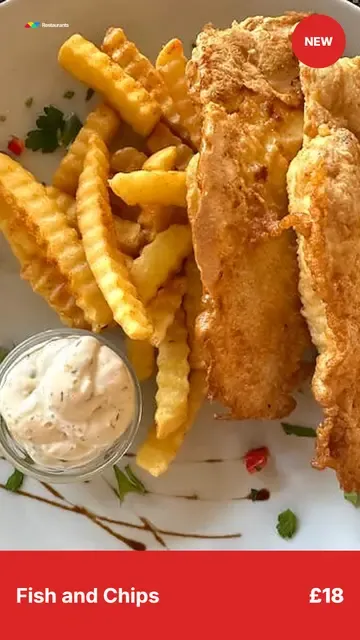
The underlying template does not change. Each company's brand kit is applied to it, which is how one engine turns out clean social graphics for an estate agent, a gym and a restaurant alike.
The platform, simply:
- Branding applied The colours, the logo and the photography come from the company's brand kit.
- Dynamic fields The headline, the price and the call to action arrive as data, not as design.
- Layout untouched The template is identical on both sides of the handle, and for every brand after it.
Drag the handle. Watch the brand, the data and the layout adapt together.
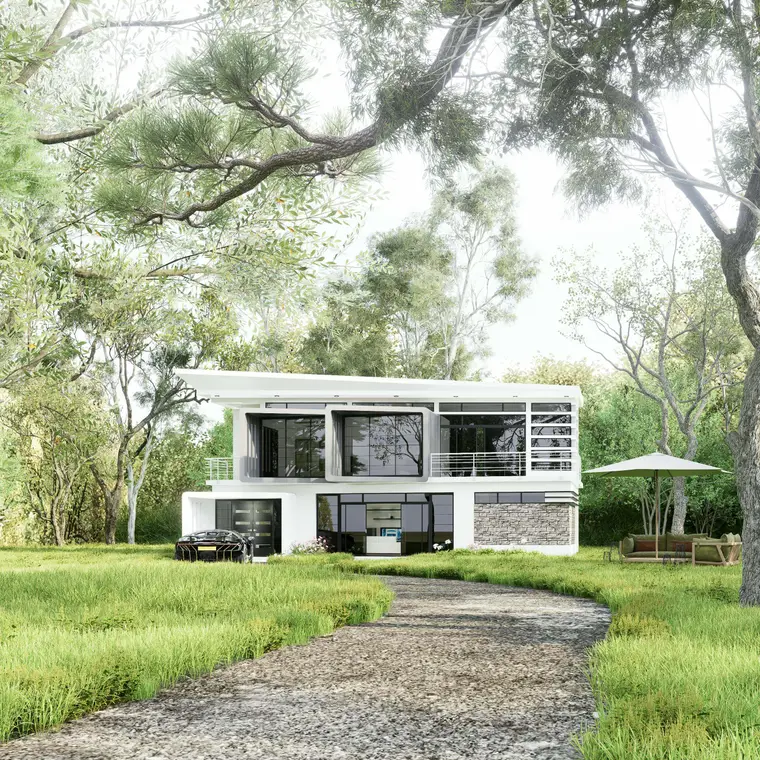
Dream Home
Showing: House for sale
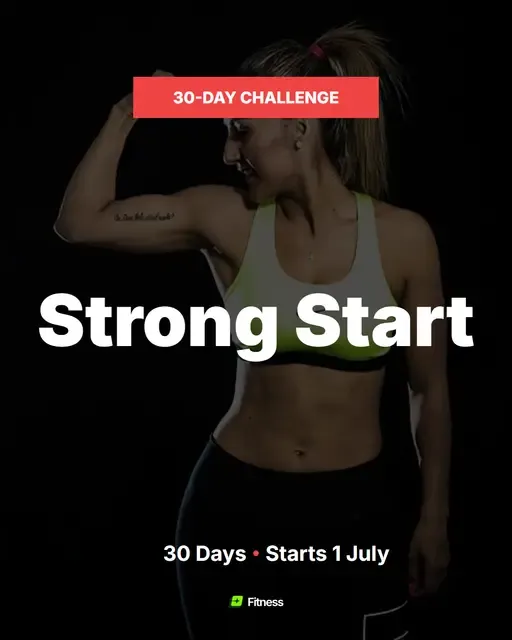
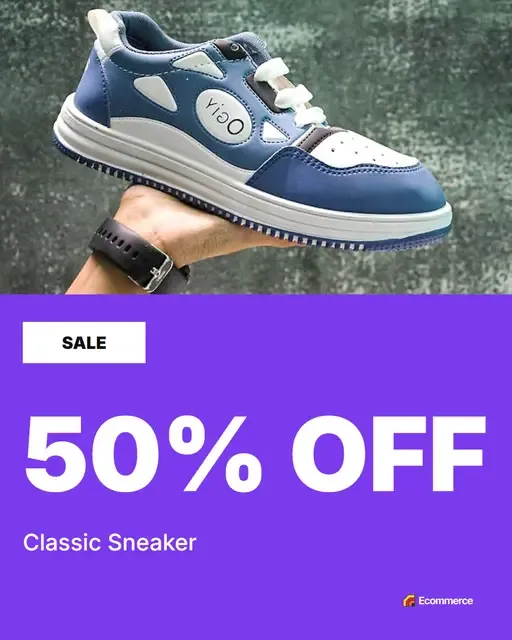
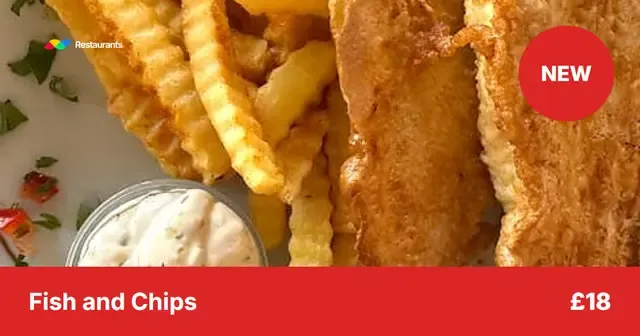
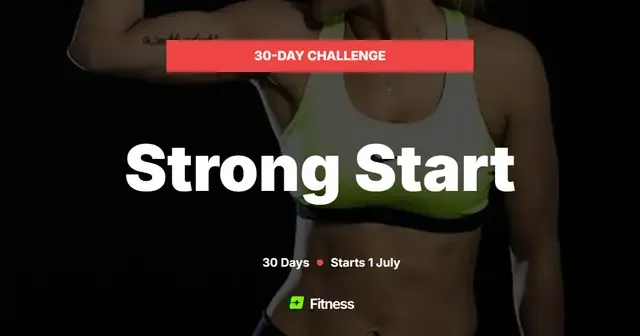
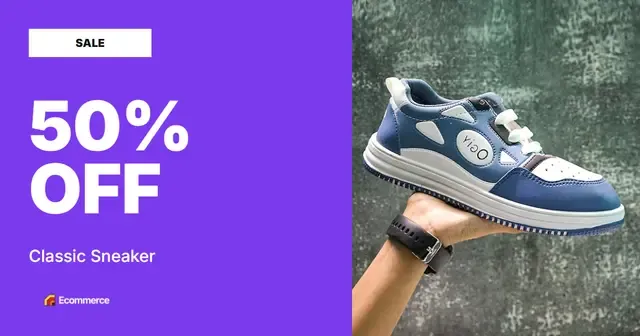
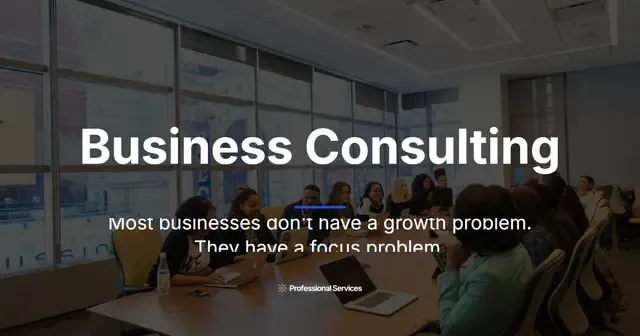
This is the part that takes the time when it is done by hand. Every platform wants a different shape, and a square cropped to a story is a square with the words cut off. Fill the fields once and all five come out, each one laid out for its own proportions rather than resized.
-
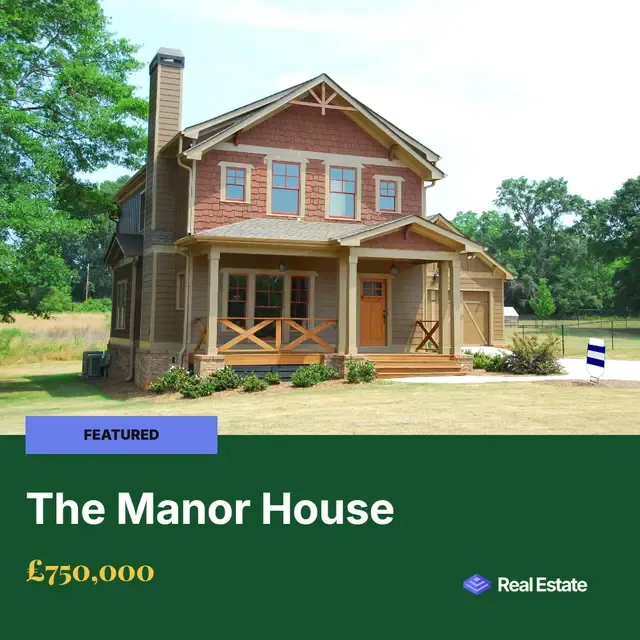
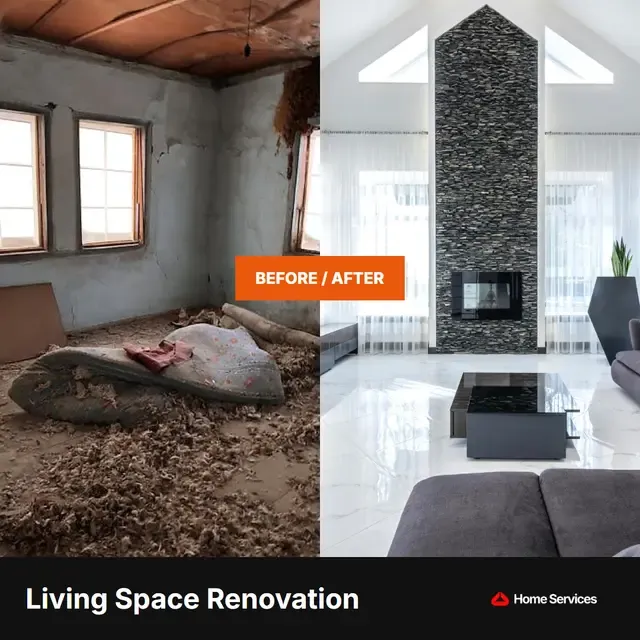 1:1 1:1 Square 1080 × 1080 LinkedIn feedGoogle Business
 -

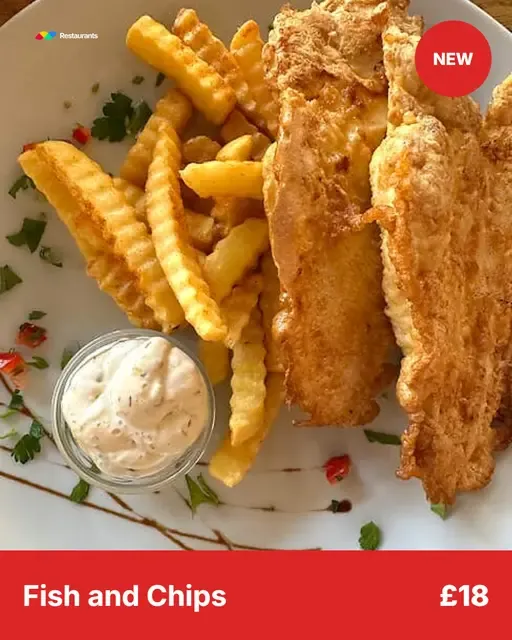
 4:5 4:5 Portrait 1080 × 1350 Instagram feedFacebook feed
 -
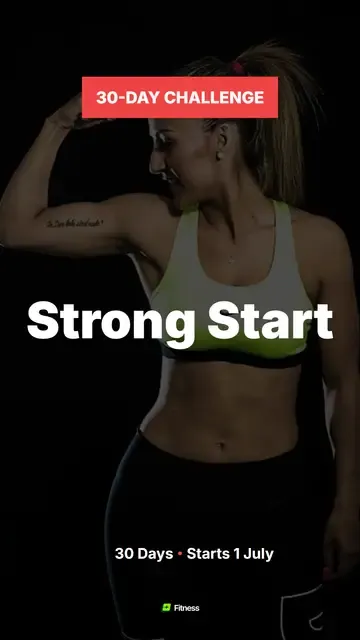
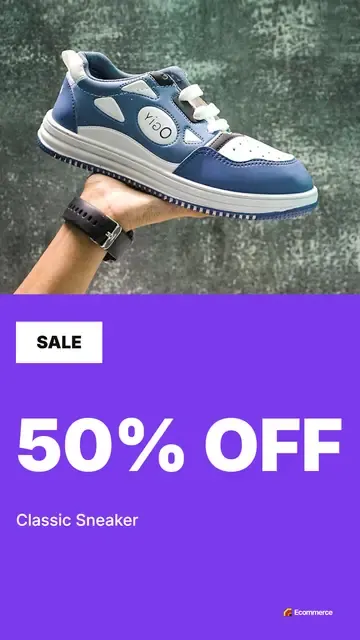
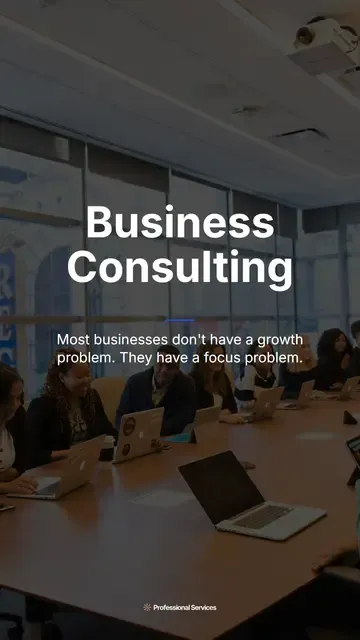
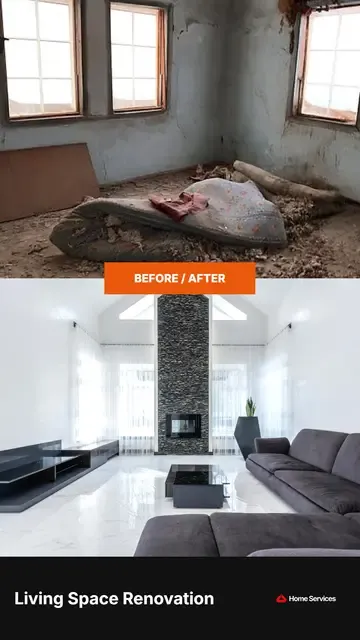 9:16 9:16 Vertical 1080 × 1920 Stories and reelsTikTokYouTube Shorts
 -

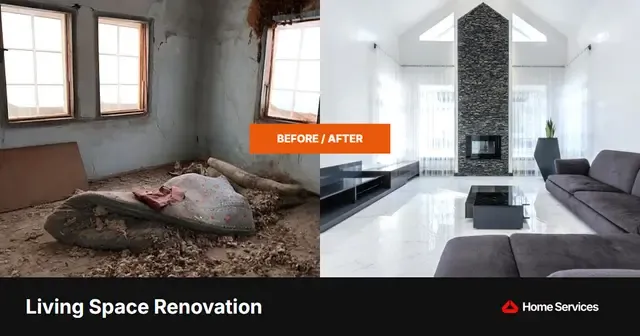 1.91:1 1.91:1 Landscape 1200 × 630 XLinkedIn landscapeLink shares
 -
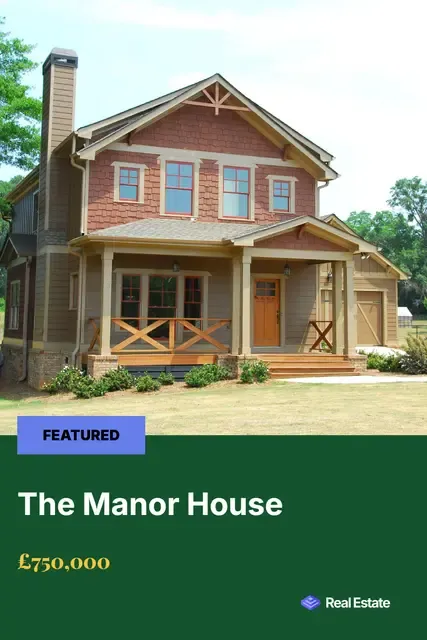
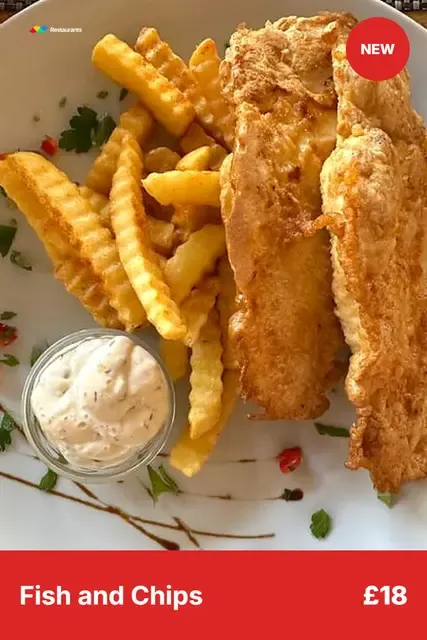
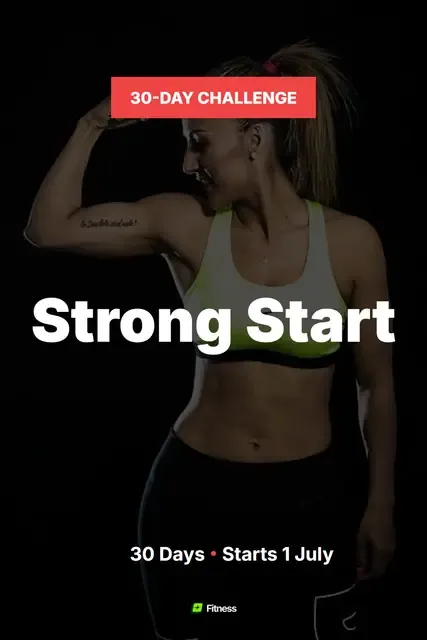
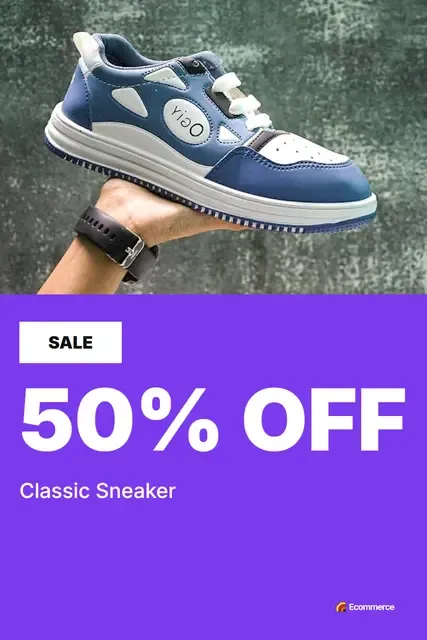
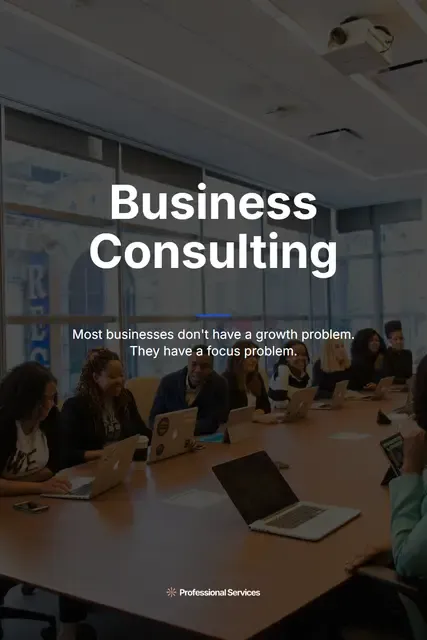
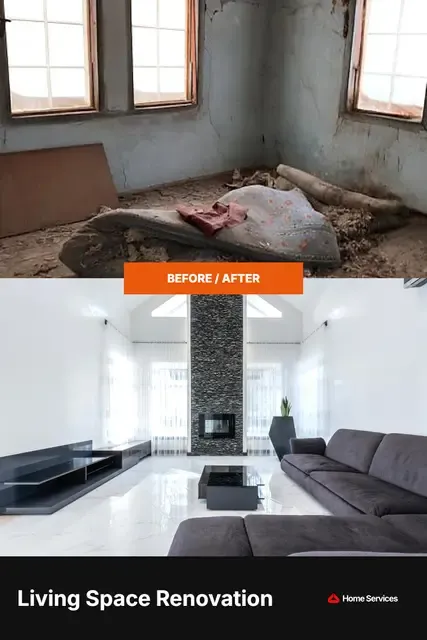 2:3 2:3 Pin 1000 × 1500 Pinterest
One template, one photograph and one set of fields - generated five times. Nothing was laid out twice.
Plus the formats underneath: PNG, JPG and WebP for stills, MP4 and GIF where the template moves, and a ZIP of the lot.
The name, the logo and the colours
The name says what it does: one template, posted again and again. The strapline that came with it - your brand, on repeat - is the whole product in four words.
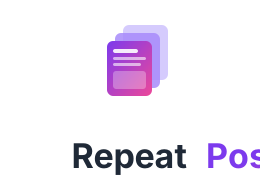
The mark is three stacked cards with a slight offset, the front one carrying the lines of a social post. One template, many posts, in a shape small enough to work as a favicon. The cards carry a purple-to-pink gradient, which is also how the wordmark is set: Repeat in dark grey, Posts in the gradient.
- Purple Primary #7C3AED
- Pink Secondary #EC4899
- Yellow Accent #FBBF24
- Dark grey Text #1F2937
- Off-white Surface #F9FAFB
- The gradient Icon and wordmark 135°, purple to pink
Type is Inter throughout - free, highly legible, and the same face the product itself sets text in.
The biggest mistake: building it on SVG
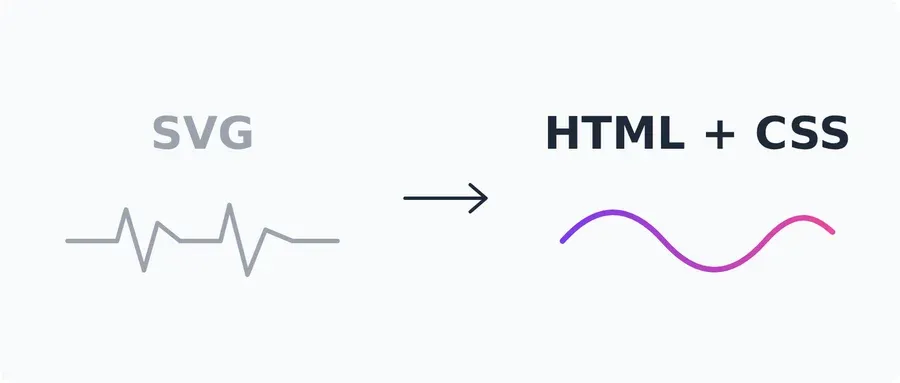
SVG was the obvious format - resolution independent, text stays text, and it scales to whatever size a platform asks for. What was not obvious until it mattered is how awkward it is to animate next to plain HTML and CSS. That cost a rebuild: renderer, template format and editor all replaced in February. It no longer runs on SVG. Finding out early was worth more than the fortnight it took.
What's next
Turning it the right way round
The engine works, but the order is wrong: today you pick a template and then make the post. It should be the other way round - say what you want to post, and the engine chooses the template and fills it in.
What people expect of an interface has moved since this was built, too. A library to browse through was normal then; now the first thing anybody tries is to type what they want and see what comes back. Chatbots have taught everybody that, and it is the right shape for this - closer to a conversation than a catalogue.
That is also the best answer to the AI image tools: the speed of describing what you want, without losing the consistency.
Today
Pick a template fill it in post
Next
Describe the post template chosen and filled post
Other products
- manx.directory The Isle of Man's business directory Read the case study

- KEEP.FIT A fitness app, three versions in Read the case study